

Before the first visit
Get your sign-in
Open it on the phone and keep it
Bring what the sheet says
My jobs
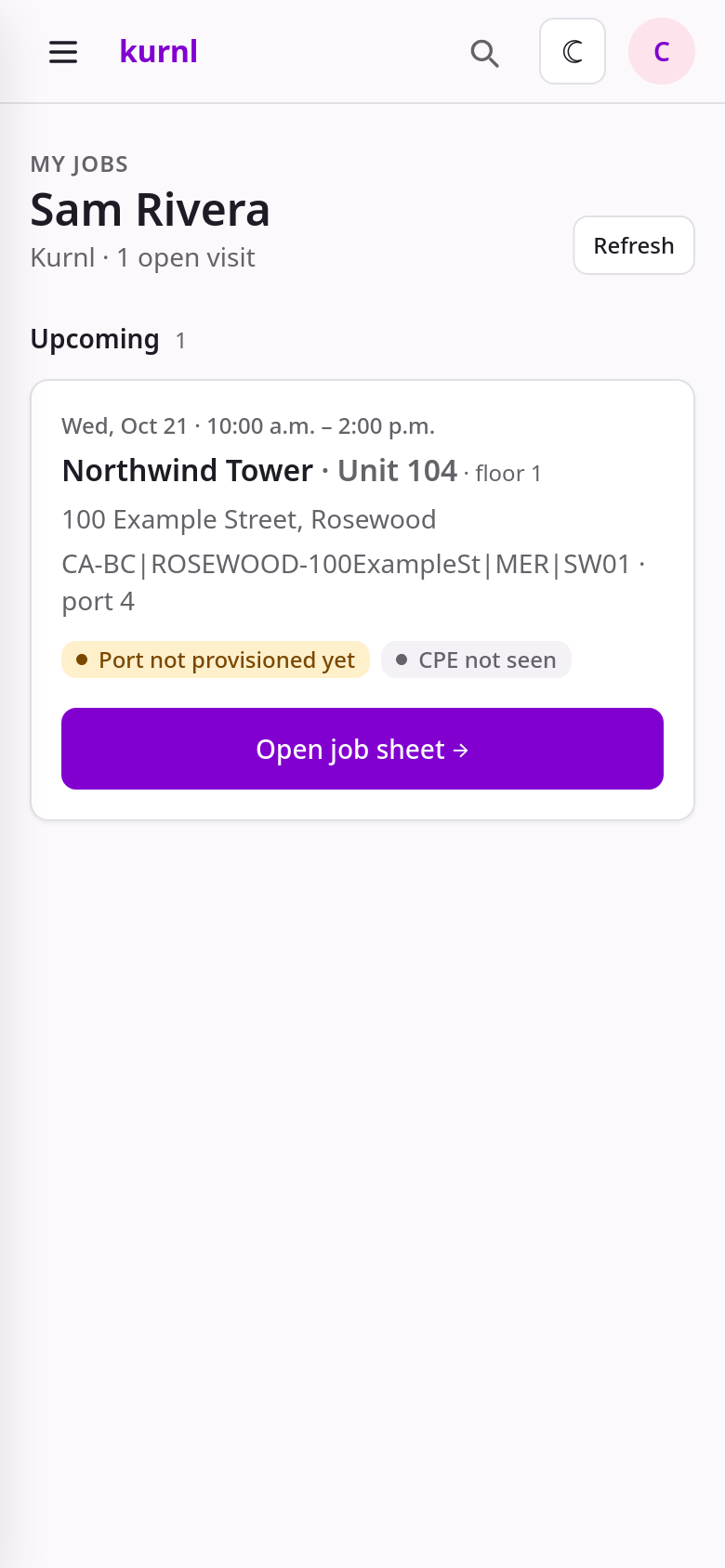
My jobs — one card per visit; the strip under the address says what the line does right now
The job sheet, top to bottom
The sheet has a header (building, unit, address), the line strip, the customer’s name and number (tap to call — you will have to ring the bell), the window, and then five numbered steps:Three kinds of visits
The badge on The job tells you which one you have. The platform derives it from the building’s line type, the unit register and whether a CPE has already been seen on the port; dispatch can override it (the badge then ends in · dispatch). If what you find on site does not match the badge, call dispatch before you start — do not improvise a different visit.MER + unit
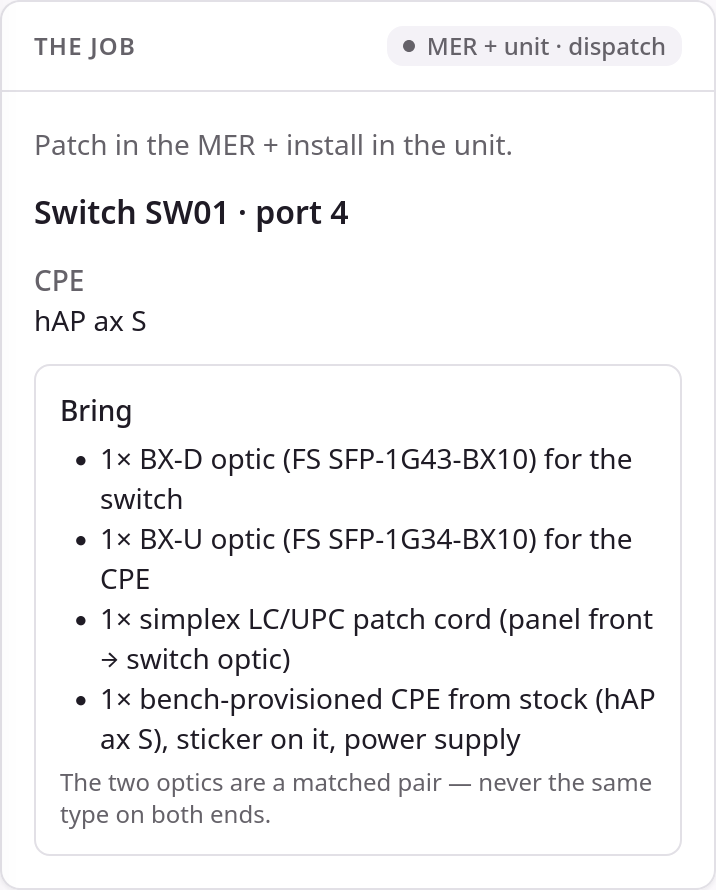
The job — MER + unit: both optics, patch cord and the stock CPE
Tap I'm on site
Patch in the MER (step 2)
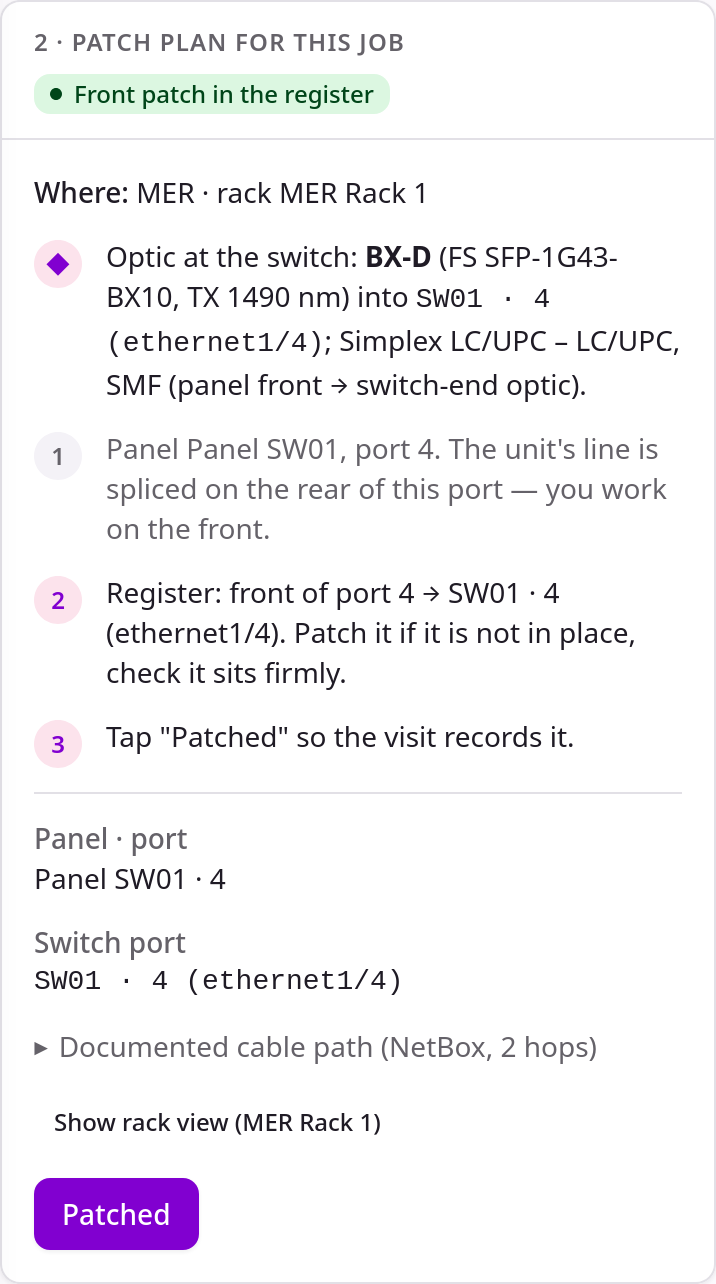
Step 2 — patch plan: optic, panel port, register line, Patched
Mount the CPE in the unit (step 3)
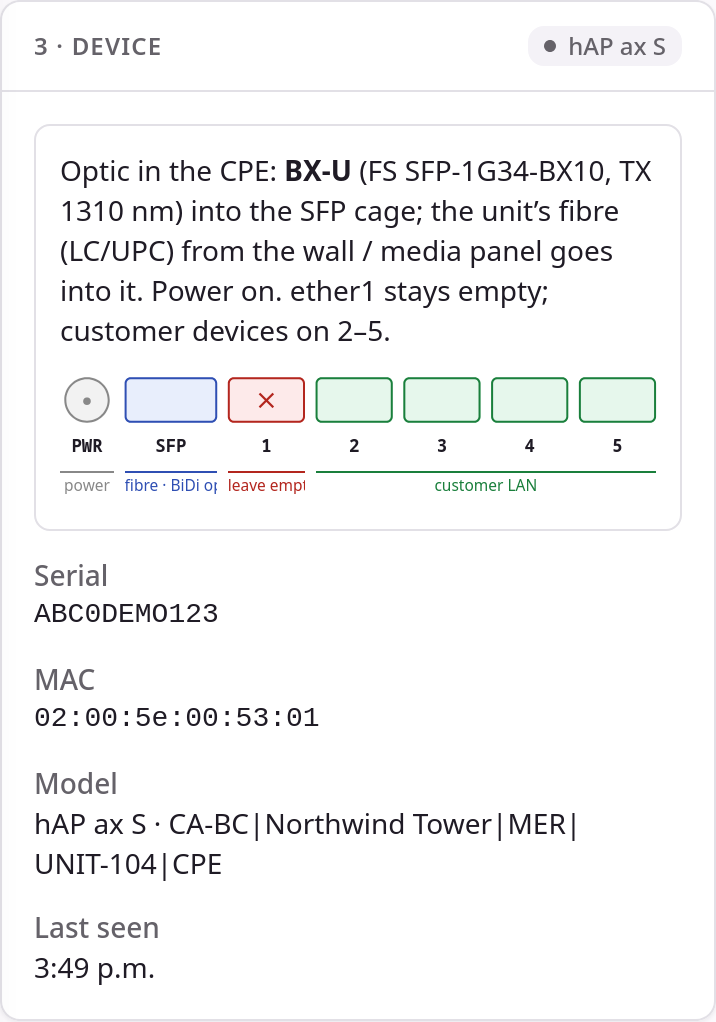
Step 3 — device: optic, port strip, and the card once the CPE has reported in (serial, MAC, model, last seen)
Photos (step 4)
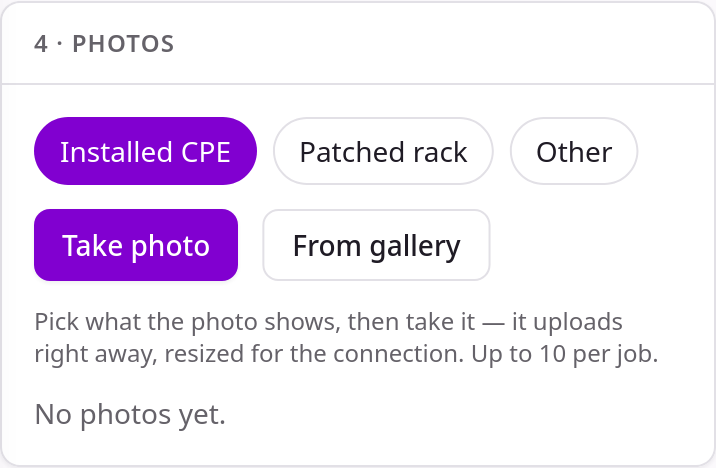
Step 4 — photos: tag, then camera or gallery
Work done (step 5)
Step 5 — work done
Unit only
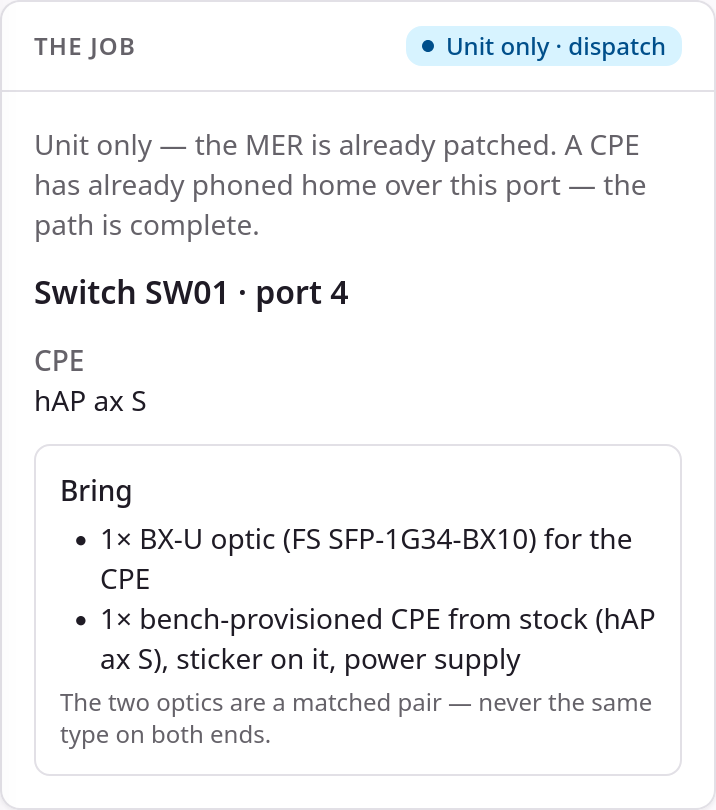
The job — unit only: the MER is already patched, only the CPE-end optic and the device to bring
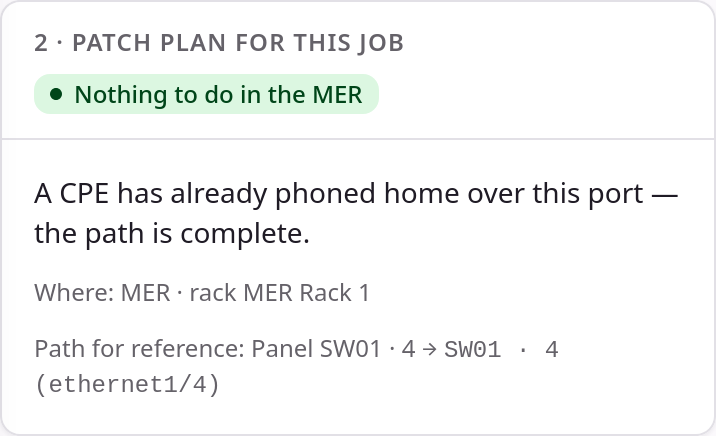
Step 2 on a unit-only visit — nothing to do in the MER, the path is shown for reference
MER only
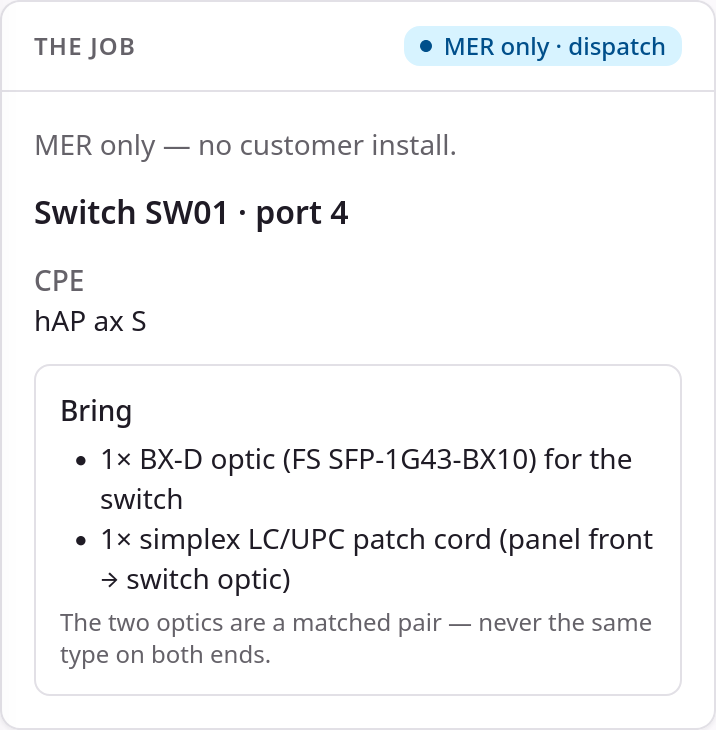
The job — MER only: no customer install, no CPE to bring
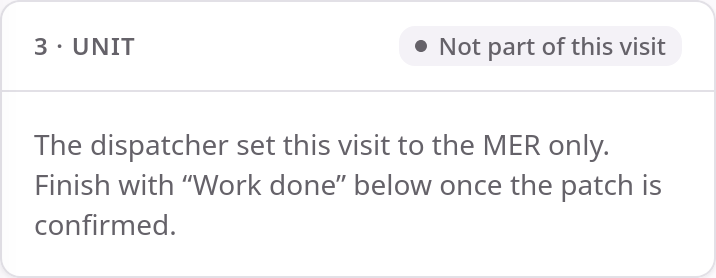
Step 3 on a MER-only visit — not part of this visit
The bench
If you bench CPEs, the operator turns Bench on for you (Installs & Dispatch → Technicians → Bench). You then see a second item next to My jobs: Bench, the same live view the NOC has.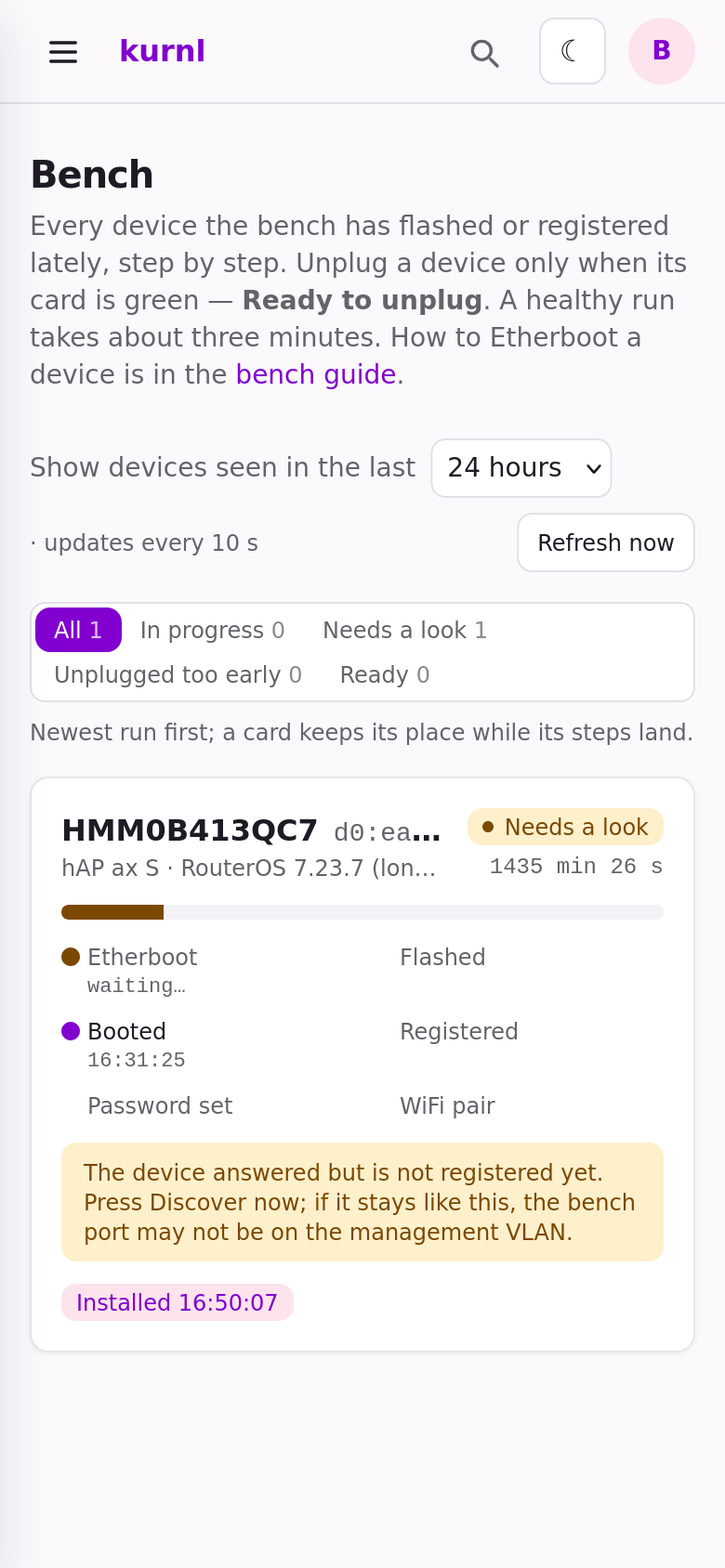
Bench — one card per device the bench has seen lately, step by step
- One card per device, newest run first, with the serial and MAC in the title and the steps it has reached: Etherboot → Flashed → Booted → Registered → Password set → WiFi pair.
- The tabs above the cards filter by state: In progress, Needs a look, Unplugged too early, Ready.
- Unplug only when the card says Ready to unplug (green). A device unplugged before that turns red — plug it back in and let it finish.
- The page refreshes every 10 seconds. The bench guide link on the page is the step-by-step runbook: cabling, Etherboot, the building sticker, what each delay means.