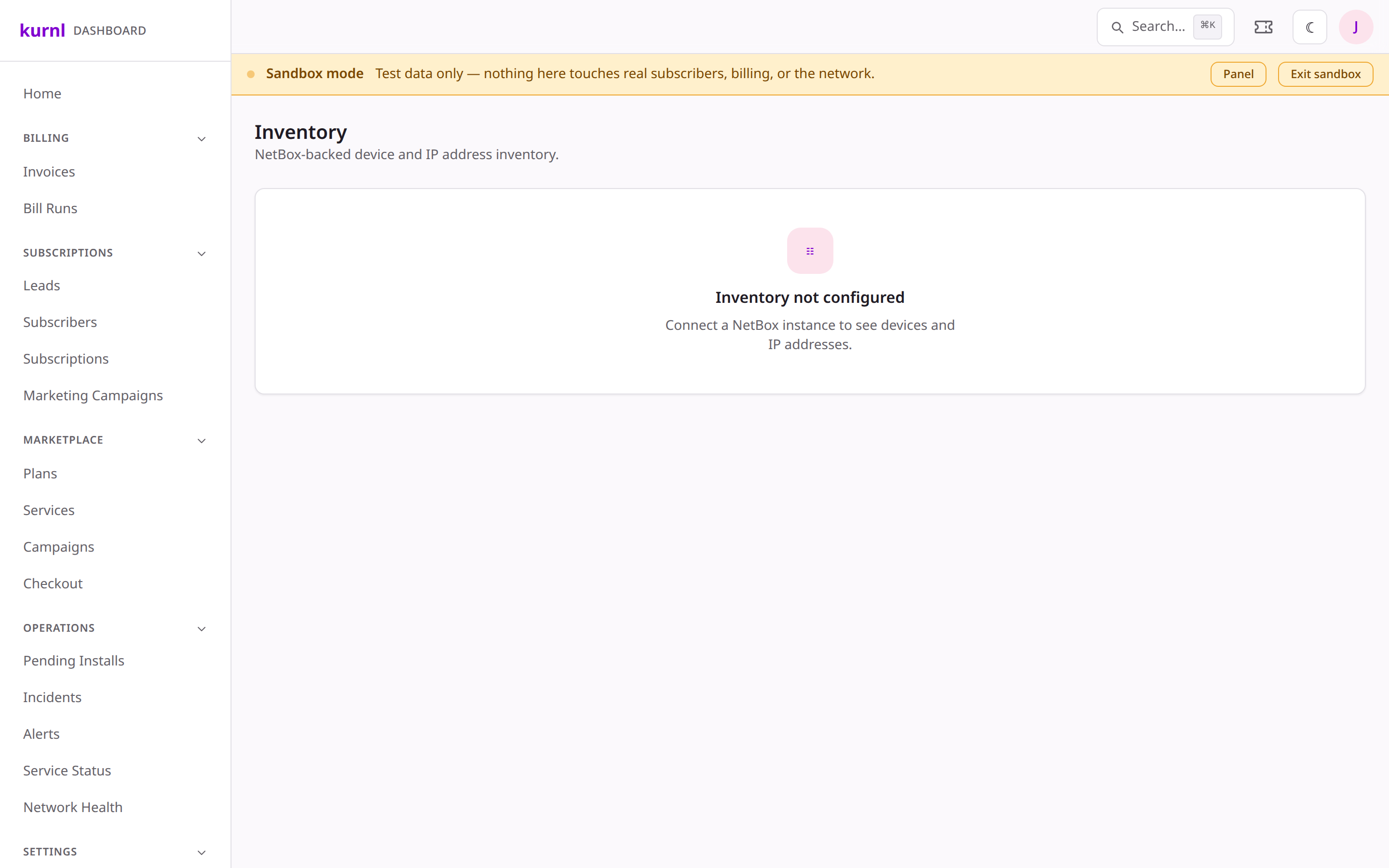
Track the hardware and addresses behind the network — subscriber CPE (TR-069/ACS), the NetBox-backed device & IP inventory, and hardware stock & fulfillment.
Three related surfaces cover the physical and logical assets: subscriber
equipment, network inventory, and stock.
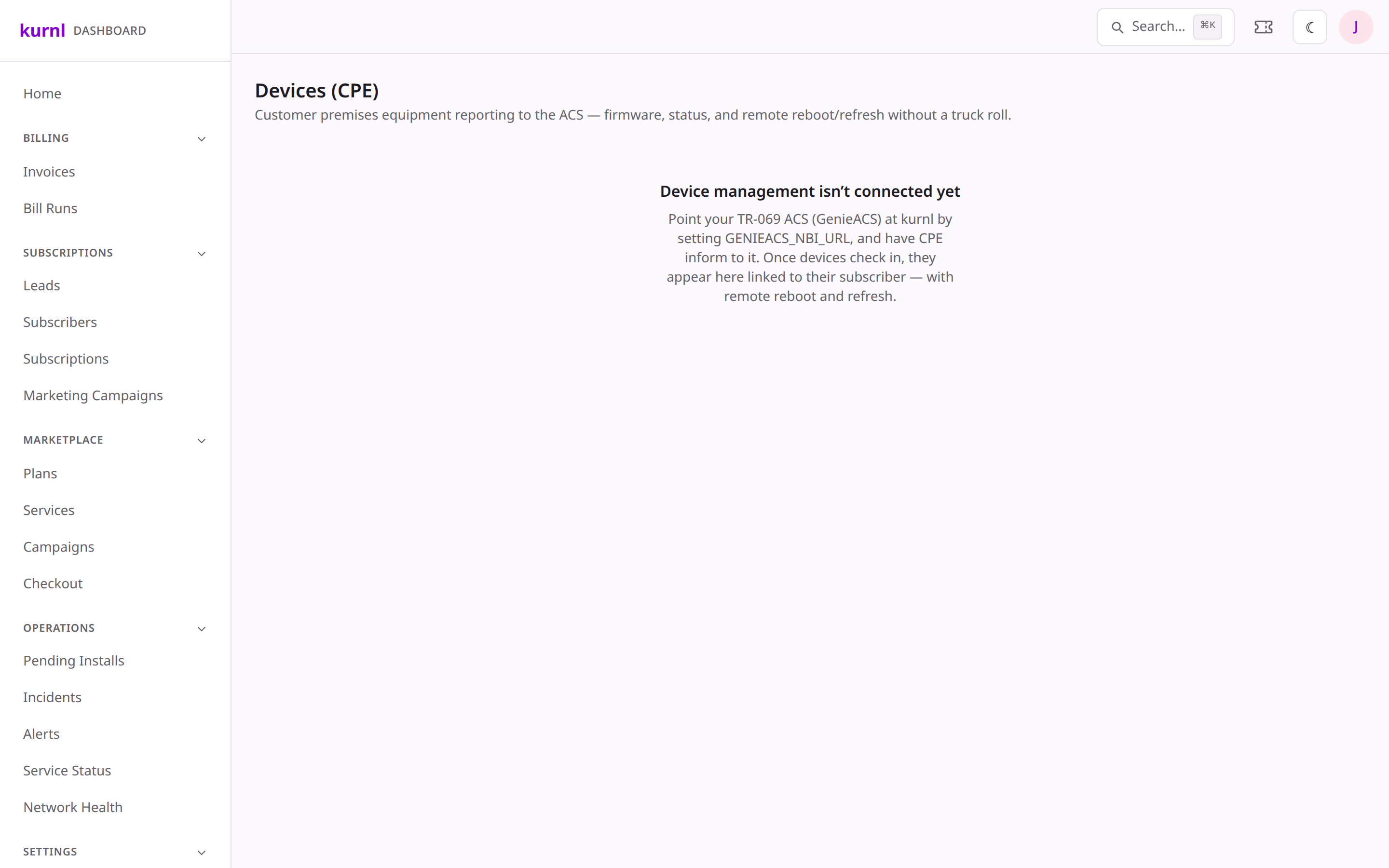
Manage subscriber-premises equipment via TR-069 / an ACS.
1
Open a customer's CPE
CPE isn’t a sidebar item — it lives on the customer. From the customer’s
cockpit, open the Services & Equipment tab: the CPE card shows the
device matched by MAC, with its status and actions (e.g. reboot). The full
device list also exists at the /devices URL if you need routers/ONTs by
serial, MAC, or device id.
CPE devices
CPE management is inert until an ACS (GenieACS) is configured and devices
“inform” in — see the platform setup TODO. Until then the list reflects what
the network already knows.
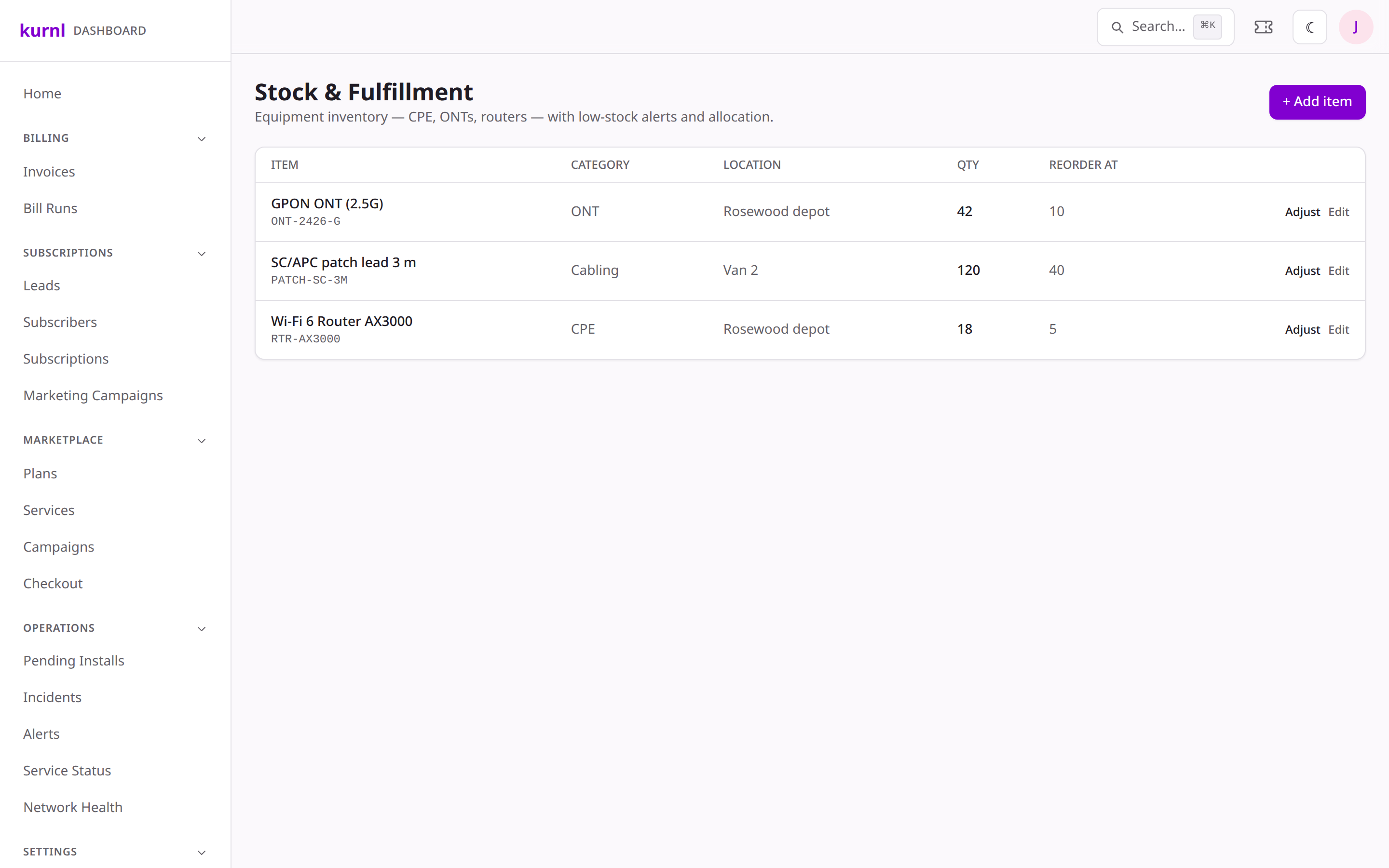
From Network → Equipment, use the Restock / Restock · Allocate
links (they open the stock page at /inventory-mgmt) to manage on-hand
hardware stock and the fulfillment of equipment to installs — so a pending
install isn’t scheduled before its kit is available.