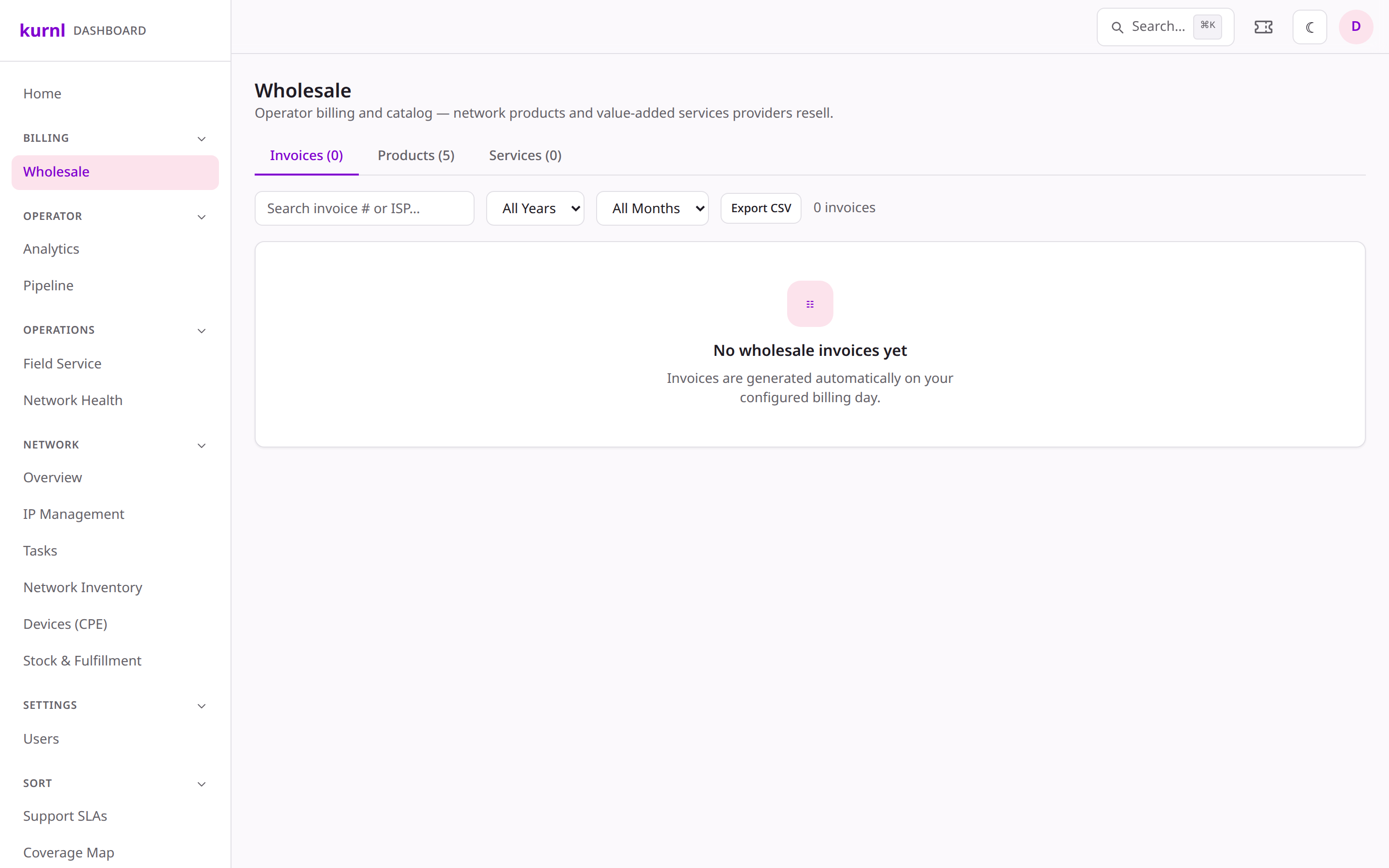
The platform invoices each ISP for its wholesale network usage.
1
Open Wholesale
Go to Wholesale to see the billed-vs-active reconciliation per provider.
The billing day, due days, and invoice email are set per provider in the
Wholesale Billing card under Providers → (provider).
On a customer’s Services tab, the billing day of each subscription can
be set from the 1st up to the provider’s Latest billing day (the provider
sets it under ISP profile → Billing; default the 10th). Days the provider
does not allow are not offered.If the chosen day has already passed in a month that is not invoiced yet, a
confirmation asks Invoice this month now? and shows the amount. Confirming
issues that month’s invoice at once — charged to the saved card, or due for
payment when AutoPay is off — and the message after saving says This month’s
invoice was issued now. From the next month the subscription is charged on the
new day. Changing the day never alters what is owed.
When a customer’s payment fails, the provider’s policy decides how forgiving the
platform is before service is suspended.
1
Open the provider's dunning policy
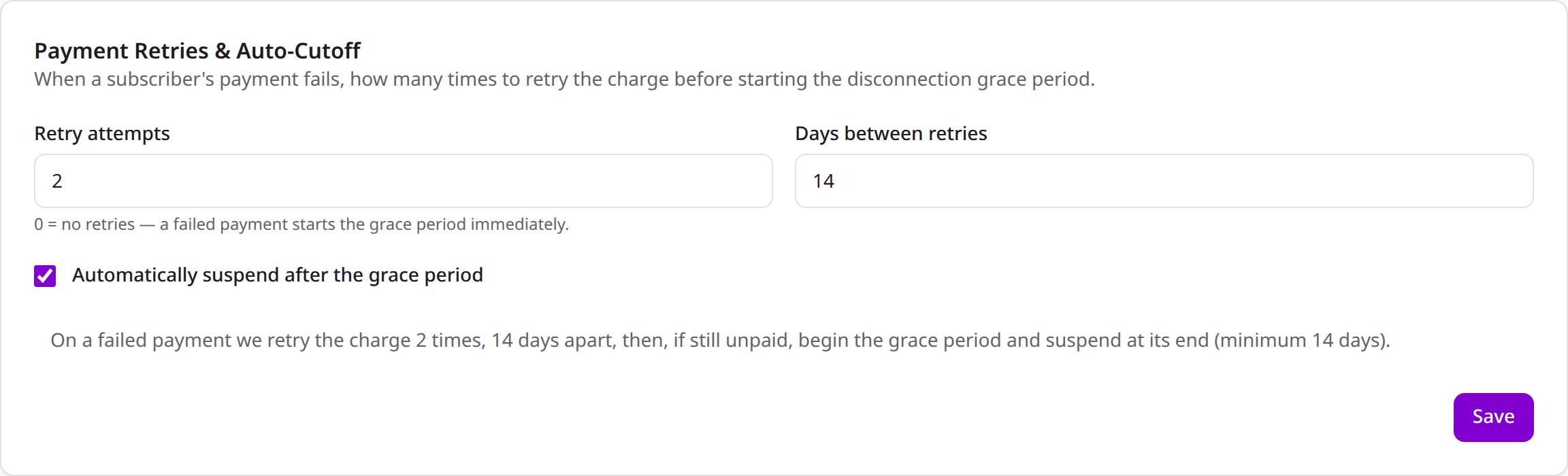
Under Providers → (provider), in Payment Retries & Auto-Cutoff, set
the retry attempts, days between retries, and whether to
auto-suspend after the grace period. A live summary spells out the
resulting timeline. Providers cannot see or change this card.
Per-provider payment-retry policy
2
How it plays out
On a failed payment the platform retries on this cadence, e-mails the
customer, and only starts the disconnection grace window after the final
retry — never shorter than the CRTC-mandated minimum. With auto-suspend off,
the operator is alerted instead and decides manually; the provider is not
told.